Complete AI Prompt Pack
1000+ prompts • $37
Navigating workplace conflicts can feel like walking through a minefield, can’t it? Whether it’s a disagreement over project responsibilities or miscommunication between team members, these situations can escalate quickly and make the office atmosphere tense. You’re not alone if you’re searching for better ways to handle these conflicts and turn them into learning experiences.
But guess what? I’ve got a solution for you! In this post, we’ll explore how to harness ChatGPT for engaging workplace conflict simulations that can prepare you or your team to handle real-life scenarios with confidence. Stick around, and you might just discover the perfect prompts to ease those tensions.
From crafting relatable role-playing scenarios to getting tailored feedback, we’ll cover everything you need to know to make your workplace a more harmonious place. Let’s dive in and transform your approach to conflict resolution together!
Key Takeaways
- Workplace conflicts can be tackled using detailed prompts in ChatGPT for realistic simulations.
- Effective prompts include scenarios like team disagreements, manager mediation, and recognition issues.
- Steps for using ChatGPT include defining the conflict, inputting prompts, engaging with responses, and facilitating discussion.
- Tailor role-playing scenarios to real-world issues and include emotional elements for deeper learning.
- Create a safe environment for simulations and encourage active listening during discussions.
- Gather feedback post-simulation to refine future scenarios and enhance learning outcomes.
- Adapt prompts to fit different workplace cultures, emphasizing inclusivity and sensitivity.

Effective ChatGPT Prompts for Workplace Conflict Simulations
To simulate workplace conflicts effectively using ChatGPT, prompts need to be detailed and situation-oriented.
Here are some effective prompts you can use:
- “Simulate a conversation between two team members who disagree on a project direction. Highlight their communication styles and possible resolutions.”
- “Create a scenario where a manager must mediate a conflict between two employees regarding workload distribution.”
- “Design a role play where an employee feels undervalued due to lack of recognition. How can their manager address this?”
- “Develop an interaction where colleagues face challenges working remotely. What strategies can they use to improve collaboration?”
These prompts can help in fostering interactive discussions about conflict resolution, enhancing communication, and testing resolutions.
How to Use ChatGPT for Conflict Resolution Scenarios
Using ChatGPT for conflict resolution scenarios is straightforward and can be extremely beneficial.
Here’s how to do it in simple steps:
- Define the conflict: Outline the conflict scenario, including the involved parties and their perspectives.
- Input a detailed prompt: Use a specific prompt to initiate the simulation. For example, “Role play a staff meeting where two team members have opposing views about a deadline.”
- Engage with the responses: Analyze the generated conversations, noting communication styles, emotional responses, and resolution strategies.
- Facilitate a discussion: After the simulation, encourage participants to discuss what they learned and how they would approach similar situations in real life.
This practical engagement can prepare team members better for handling real conflicts that may arise.
Common Workplace Conflicts and ChatGPT Prompt Examples
Workplace conflicts can stem from various issues, including communication breakdowns and role ambiguities.
Here are some prompt examples tailored to common conflict types:
- “Generate a scenario where a team member feels sidelined in a group project. What steps can they take to express their concerns?”
- “Create an interaction where misunderstandings arise due to cultural differences between team members.”
- “Simulate a conflict related to competing responsibilities and priorities among team members.”
- “Design a dialogue where a supervisor must address negative feedback about their leadership style from the team.”
These prompts are flexible and align well with insightful discussions on interpersonal dynamics.
Creating Realistic Role-Playing Scenarios with ChatGPT
Creating realistic role-playing scenarios can significantly enhance the effectiveness of conflict simulations.
To build your scenarios, consider these approaches:
- Focus on real-world situations: Use scenarios that mirror actual workplace issues to make the training relevant.
- Implement branching dialogues: Allow the simulation to evolve based on participant responses to create an interactive environment.
- Customize scenarios: Tailor prompts to reflect your team’s specific dynamics, challenges, and industry.
- Include emotional elements: Encourage characters to express feelings, making the simulations more relatable and impactful.
By framing prompts in this way, you set the stage for deeper engagement and learning during conflict resolution training.

Tips for Facilitating Effective Conflict Simulations Using ChatGPT
To run effective conflict simulations with ChatGPT, it’s key to plan and facilitate well.
Start by preparing your environment to ensure everyone feels safe to express thoughts.
Use engaging prompts that encourage participants to explore different perspectives.
For example, input: “Role play a difficult conversation where an employee needs to address a bully.”
Facilitators should guide the conversation, stepping in as necessary to keep discussions on track.
Encourage active listening by asking participants to summarize what others have said.
This promotes understanding and ensures all voices are heard during simulations.
Also, use a debriefing session at the end to discuss what went well and what could improve.
For example, ask, “What strategies worked best in resolving the conflict?”
Incorporate participant feedback to refine future simulations and enhance learning.
Feedback and Learning from ChatGPT Conflict Simulations
Feedback is essential to maximize learning from ChatGPT conflict simulations.
After each session, gather participant thoughts on the experience and outcomes.
A prompt like, “What did you learn about handling conflict today?” can kickstart meaningful discussions.
Encourage participants to reflect on their own communication styles during the simulation.
You might ask: “How do you think your approach affected the resolution?”
Recording key insights and challenges can help in evaluating the simulation’s effectiveness.
Utilize ChatGPT’s responses as reference points in discussing these insights.
For instance, “Was there a point where dialogue could have taken a different turn?”
Consider maintaining an ongoing feedback loop where employees can share their thoughts anonymously after each simulation.
This way, you can continuously adjust conflict scenarios to meet the evolving needs of your team.
How to Adjust Prompts for Different Workplace Cultures
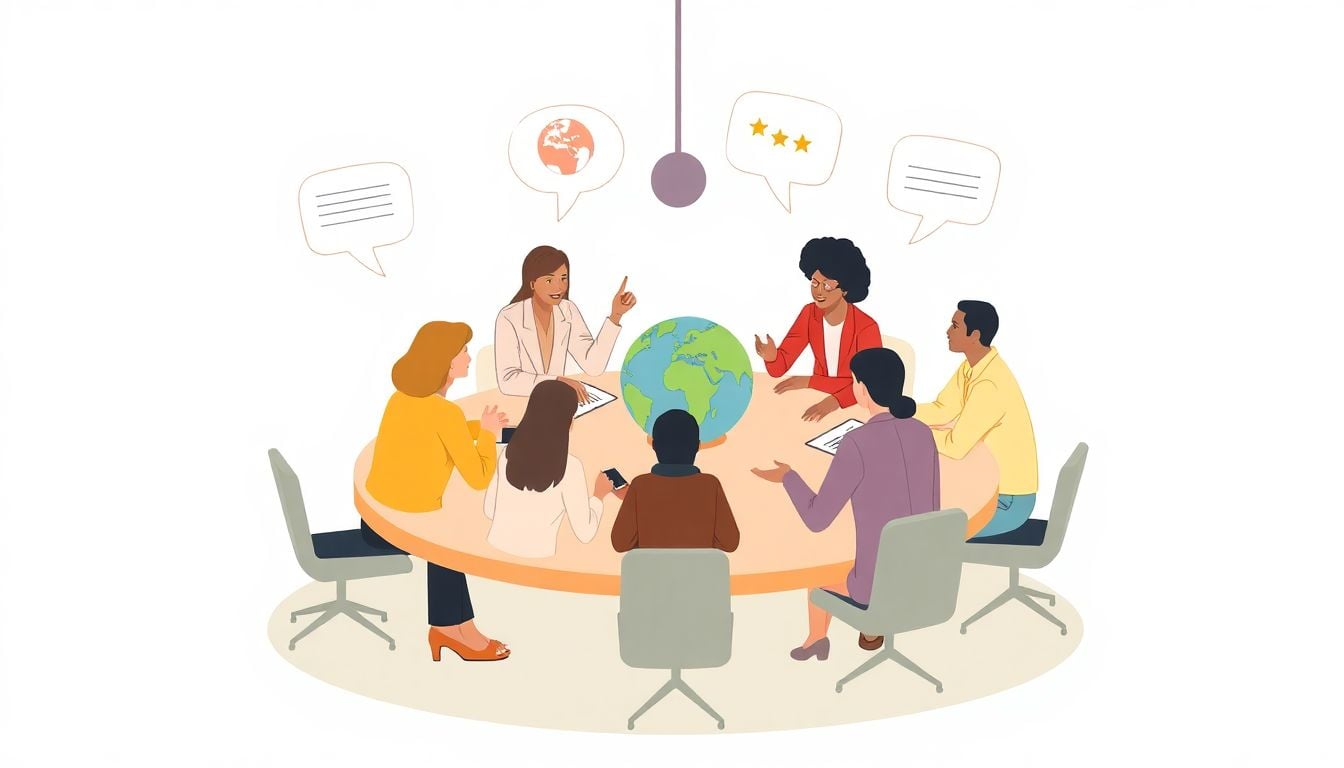
Adapting prompts for varying workplace cultures is crucial for effective conflict simulations.
Start by assessing the specific cultural dynamics of your team.
Then, customize prompts to reflect these differences.
For instance, you could use: “Simulate a disagreement in a multicultural team over project deadlines.”
Incorporating local customs and communication styles helps in enhancing relatability.
Make sure the prompts are inclusive and sensitive to various backgrounds.
For example, you could prompt: “Create an interaction where team members from different cultures discuss varying work ethics.”
This encourages participants to learn about diverse perspectives while resolving conflicts.
Don’t forget to encourage open dialogue about cultural nuances to foster understanding.
Finally, continuously refine your prompts based on team feedback and emerging cultural insights.
How to Adjust Prompts for Different Workplace Cultures
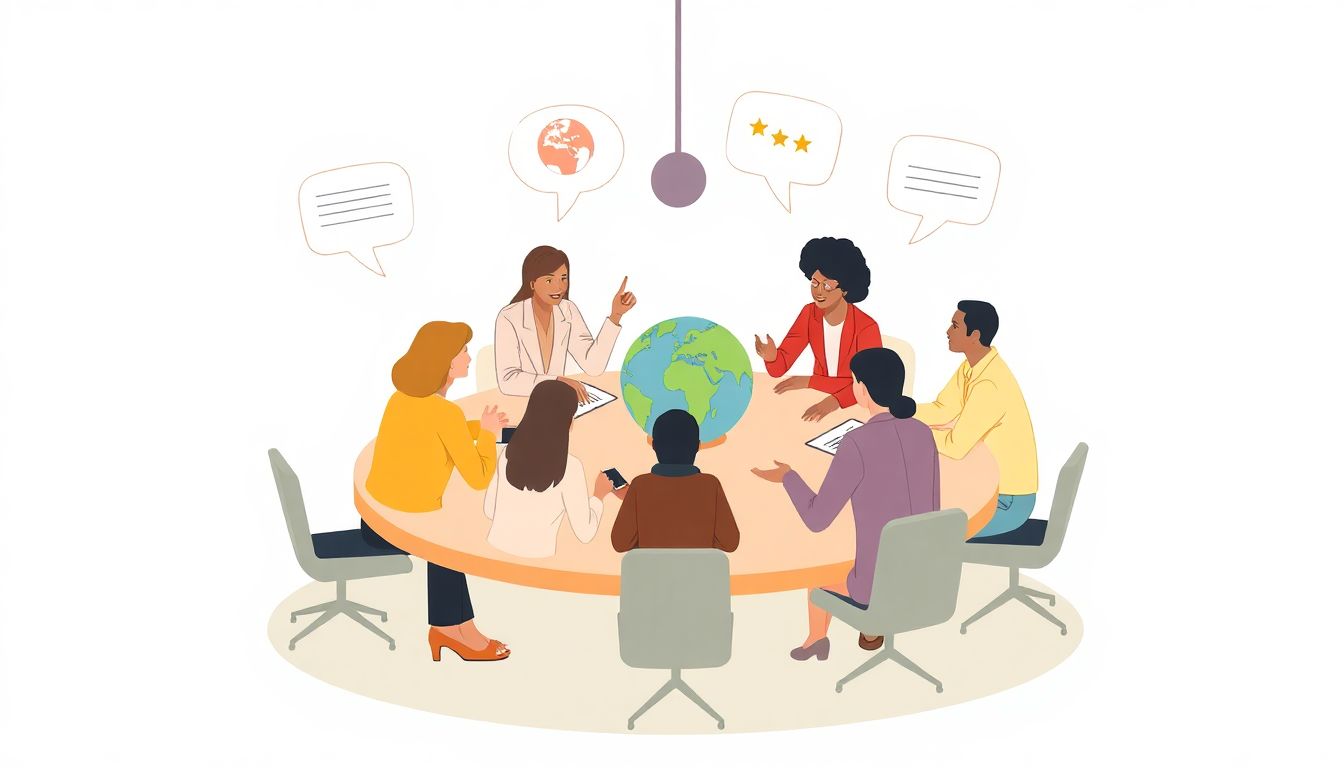
Adjusting prompts for different workplace cultures enhances the relevance of conflict simulations.
First, understand the cultural background of your team members.
Customize prompts to reflect the unique dynamics of your workplace environment.
For instance, use: “Simulate a situation where varying cultural perspectives clash during a project meeting.”
This helps participants relate better to the scenarios being discussed.
Another prompt could be: “Create a dialogue where team members navigate conflict stemming from differing communication styles.”
Encourage role-plays that promote understanding across cultures, such as: “Role play a scenario where an employee addresses conflict arising from misinterpretation of gestures.”
Make it a point to include prompts that address specific cultural nuances, like: “Discuss how workplace hierarchy impacts communication in different cultures within a project team.”
After each session, foster discussions around cultural influences in conflict, using prompts like: “What aspects of culture contributed to the resolution or escalation of conflict?”
Ongoing adjustments based on participant feedback will further refine these prompts.
This dynamic approach not only makes simulations more relatable but also enriches your team’s understanding of diverse working styles and conflict resolution strategies.
FAQs
Effective prompts should be specific and context-rich. Example: “Simulate a disagreement between a project manager and a developer over deadlines, focusing on their perspectives and potential resolutions.”
To facilitate effective simulations, set clear objectives, create a supportive environment, encourage open communication, and allow participants to explore various outcomes without fear of judgment.
Yes, ChatGPT can adapt prompts by including specific cultural norms, communication styles, and values relevant to the workplace. Customization ensures the scenarios resonate with participants’ experiences.
Common conflicts include disagreements over project goals, role clarity, workload distribution, communication breakdowns, and personality clashes, all of which can be effectively simulated using tailored ChatGPT prompts.
Related Articles

Loyalty Program Tiers: AI Ideas For Enhanced Customer Engagement
I know managing loyalty programs can feel overwhelming, especially when trying to keep customers happy and engaged. The good news is, AI ideas for tier systems can make this process much easier and more fun. If you keep reading, I’ll show you how AI can help design, personalize, and automate loyalty tiers, making your program … Read more

Referral Program Copy AI: Boosting Your Business With AI Solutions
Ever wonder how to get more people to join your referral programs without sounding pushy or salesy? You’re not alone. Many businesses struggle to craft the perfect message that encourages sharing yet feels genuine. Keep reading, and you’ll discover how AI can help you create compelling referral copy effortlessly. In just a few minutes, you’ll … Read more

Growth Loop Ideas With AI: Strategies for Business Success
Hey, I get it—growing a business online can feel like a never-ending challenge, especially when figuring out how to keep users coming back. But here’s the good news: AI has some clever tricks up its sleeve that can create what’s called “growth loops”—little engines that fuel your growth automatically. Stick around, and I’ll show you … Read more

Experiment Log AI Template: Benefits, Features, and Guide
Ever tried keeping track of your experiments but felt overwhelmed by messy notes and incomplete data? I get it—staying organized can be a hassle, especially when juggling multiple projects. But don’t worry—there’s a simple way to make logging experiments easier and more accurate. Keep reading, and I’ll show you how using an AI-powered experiment log … Read more

A/B Test Hypothesis AI Templates: Enhance Your Testing Process
If you’re running A/B tests, you know coming up with good hypotheses can be tricky. Sometimes it feels like guessing, and that can slow things down. But what if there was a way to make your hypotheses smarter and easier to create? Keep reading, and I’ll show you how AI templates can help you craft … Read more

Innovation Backlog AI Template: Boosting Your Innovation Process
Ever felt overwhelmed trying to keep track of all your innovation ideas? It’s easy to get lost in the chaos of managing backlog items, especially when everyone’s busy. Keep reading, and I’ll show you how an AI-powered template can make sorting and organizing those ideas a lot simpler. In just a few steps, you’ll be … Read more

Ideation Sprint Agenda AI: Plan, Execute, and Succeed Efficiently
I know many of us find brainstorming sessions a bit chaotic or just not as productive as we’d like. The good news is, using AI in your ideation sprint can help smooth out those rough edges and spark fresh ideas. Stick with me, and I’ll show you how AI tools can make your next session … Read more

Brainstorming Facilitation AI Prompts: Enhance Your Creativity
If you’ve ever felt stuck trying to run creative brainstorming sessions, you’re not alone. It can sometimes be tough to keep ideas flowing or find fresh angles on a problem. But don’t worry—there’s a way to make your sessions more effective and fun. Keep reading, and I’ll show you how AI prompts can be your … Read more

Design Thinking Workshop With AI: Tips, Tools, And Best Practices
Hey there! If the idea of running a design thinking workshop with AI sounds a bit overwhelming, you’re not alone. It’s common to wonder how AI can fit into such a creative process and whether it’ll help or just complicate things. Stick with me, though, and I’ll show you how AI tools—like ChatGPT—can boost your … Read more
Service Blueprint AI Template: Enhance Business Efficiency Today
Getting your service processes straight can feel like a puzzle, especially when trying to keep everyone on the same page. That’s where a Service Blueprint AI Template comes in handy—think of it as a clear map for your customer experience. Keep reading and you might find an easy way to plan, improve, and customize your … Read more

Customer Journey Map AI Template: Enhance Insights and Experience
Ever felt frustrated trying to map out your customers’ journey without the right tools? You’re not alone. Luckily, there’s now an AI-powered customer journey map template that promises to make this process easier and smarter. Keep reading, and I’ll show you how these templates work, their benefits, and how you can start using them to … Read more
Value Chain Analysis AI Guide: Improve Efficiency and Insights
Ever wonder if there’s a smarter way to analyze your company’s value chain without drowning in boring spreadsheets? You’re not alone—many feel stuck with slow, manual methods that just don’t cut it anymore. Stick with me, and I’ll show you how AI can make this process easier, faster, and way more insightful. Keep reading, and … Read more
Last updated: February 20, 2025